Built for demos, not for fiddling.
The capture stays raw. Every effect is applied on top from a recorded timeline, so it is all editable until the moment you export.
// auto-zoom
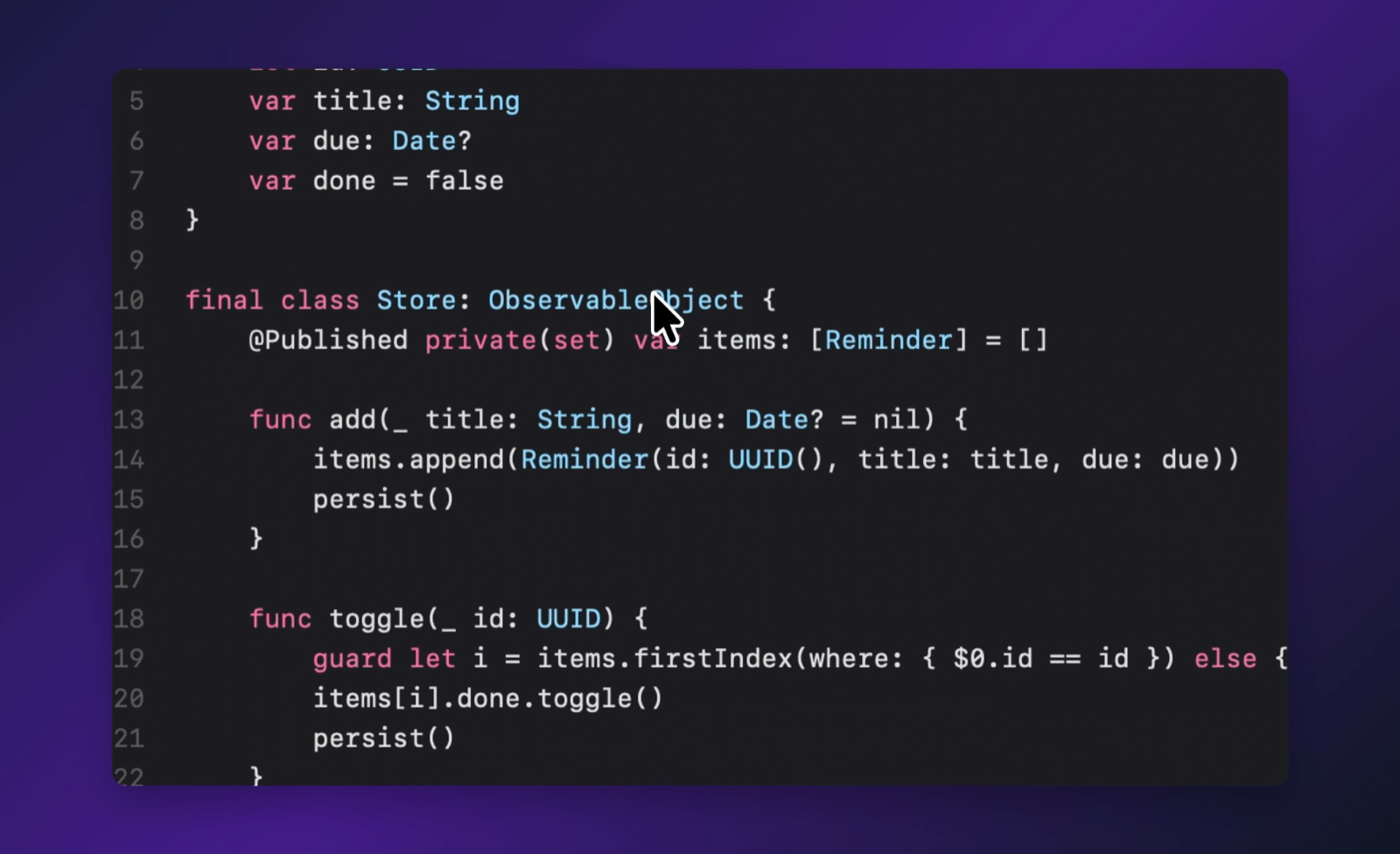
The camera follows your clicks.
Clicks are grouped into moments. The view eases in before the first one, tracks the cursor between them, and eases out when you stop. Drag any zoom on the timeline to move or retime it, or point it at the active window.
// editor
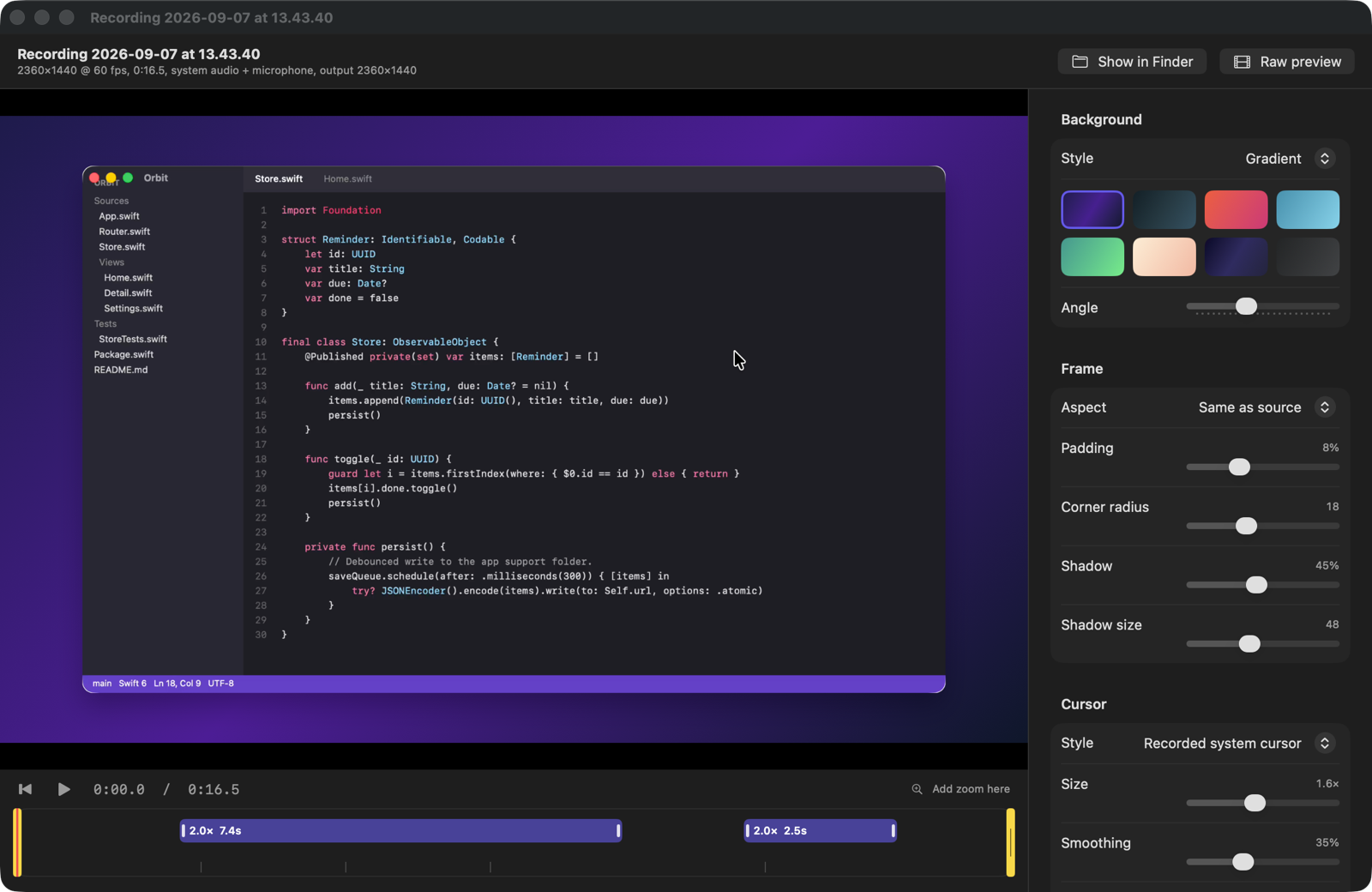
Change your mind, not your recording.
Background, frame, cursor and zoom live in the editor. Wallpaper, gradient, colour or image; padding, corners, shadow; the recorded cursor or a highlight with size and smoothing. Export the exact frame you see.
// menu bar
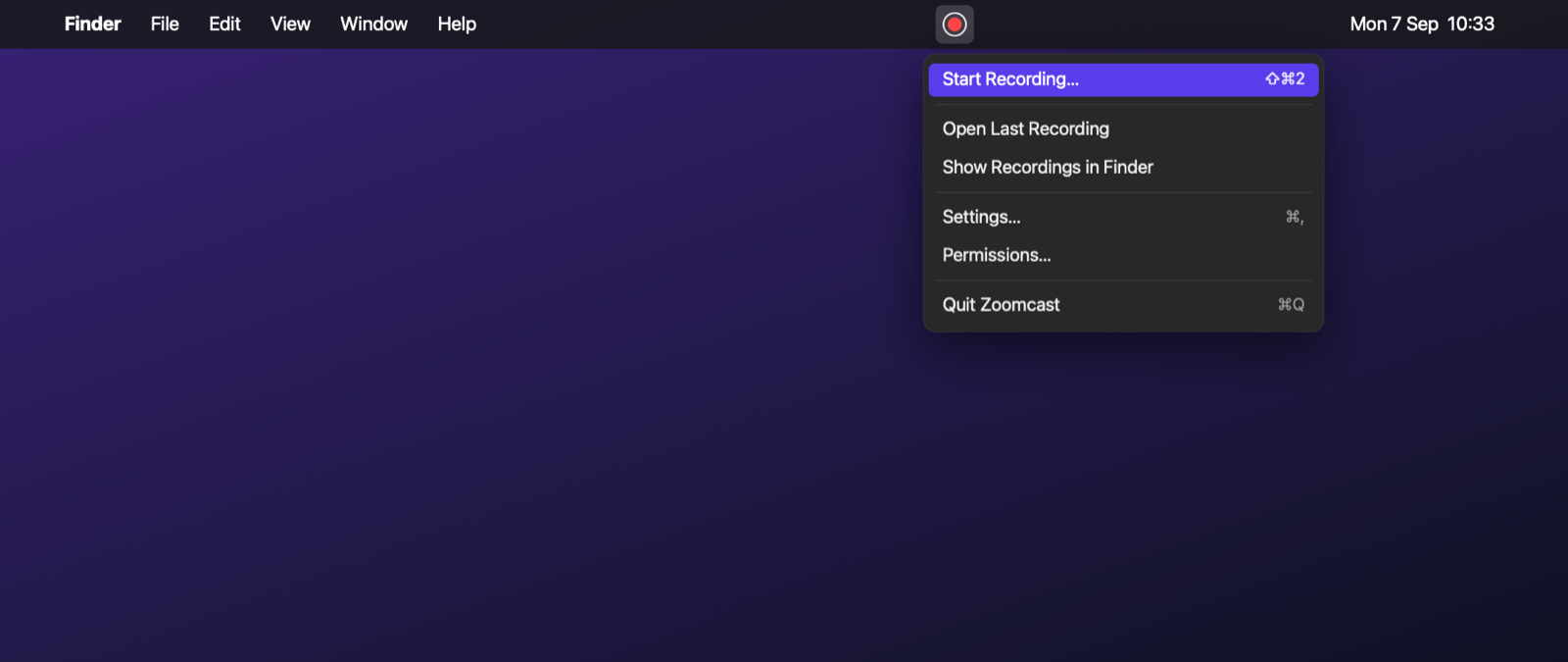
A shortcut, a timer, done.
Press your shortcut from any app to pick a display, a window or an area. A timer sits in the menu bar; press again to stop and the editor opens with your take. No Dock icon, no window in the way.
Everything in the box.
Drawn, not captured
Recorded system cursor or a circle highlight, resized and smoothed, with click ripples. Fades when idle.
Backgrounds & framing
Wallpaper, gradient, colour or image, with padding, rounded corners, a shadow and any aspect ratio.
System & mic
Two separate tracks. Balance or mute either one in the editor before you export.
MP4 or GIF
H.264 or HEVC, 720p to 2160p, or a looping GIF. Trim first; preview equals export, frame for frame.
Display · window · area
Whole display, a single window, or a dragged region, at 30 or 60 fps.
Stays on your Mac
No accounts, no analytics, no network calls. Recordings are plain folders you keep where you choose.
Record clean, polish after.
Zoomcast keeps the raw video and a timeline of what happened, so the good part comes later.
Capture
Screen recorded with the cursor left out, plus a timeline of cursor moves, clicks and window frames.
Compose
The editor draws every effect live from that timeline. Each one is a slider, not a re-shoot.
Render
The same renderer writes the final file, so preview and export match to the frame.
Make your next recording zoom.
signed with a developer id · notarised by apple · drag to /Applications
Download for macOSFAQ
What does it cost?
Nothing. No accounts, paywalls or usage limits.
What does it need?
macOS 15 or later. It asks for Screen Recording on first launch, and the microphone only if you turn the mic on.
Do recordings leave my Mac?
Never. No network connections. Recordings are folders saved where you choose.
Will macOS open it?
Yes. Signed with an Apple Developer ID and notarised by Apple, so Gatekeeper opens it without a warning.
Editable after recording?
That is the point. The raw capture stays clean; background, cursor, zoom and trim apply at export.